One-Stop PCB Factory: Prototype to Mass Production
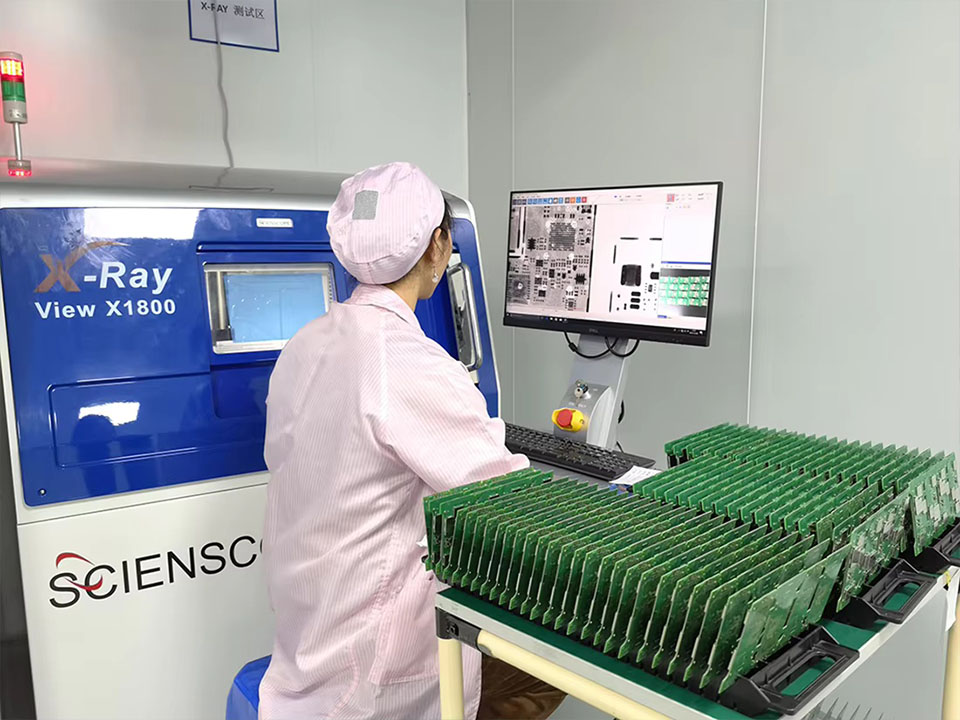
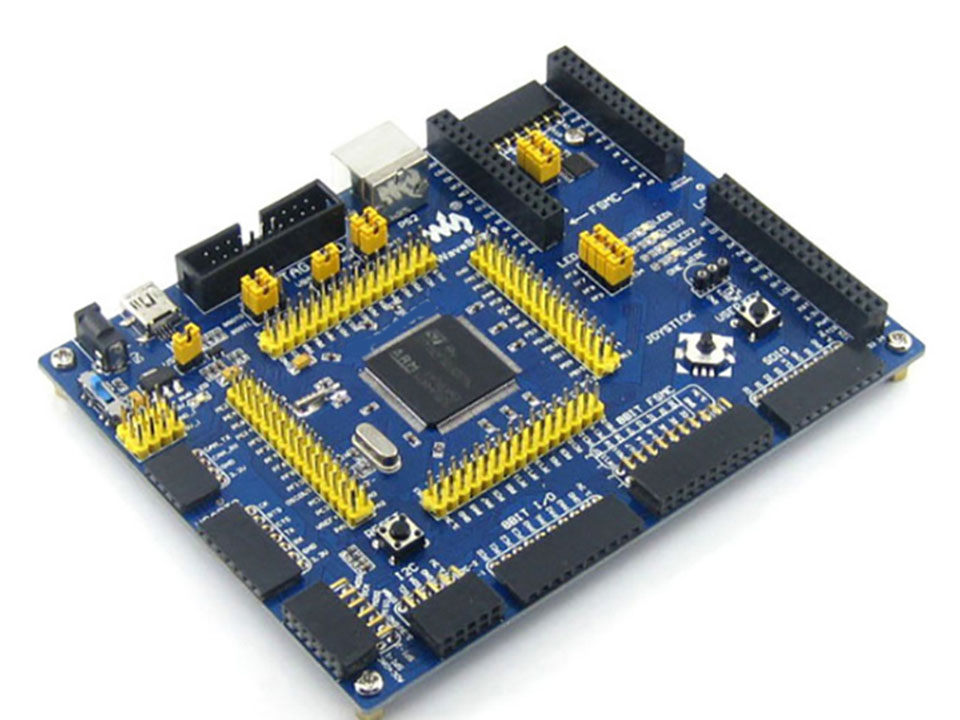
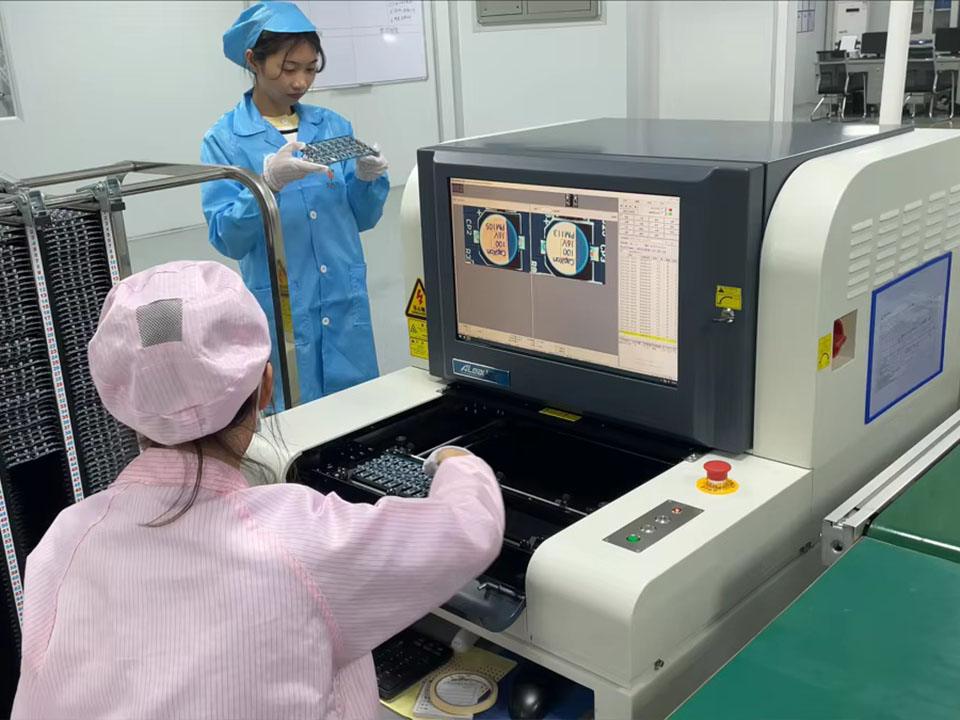
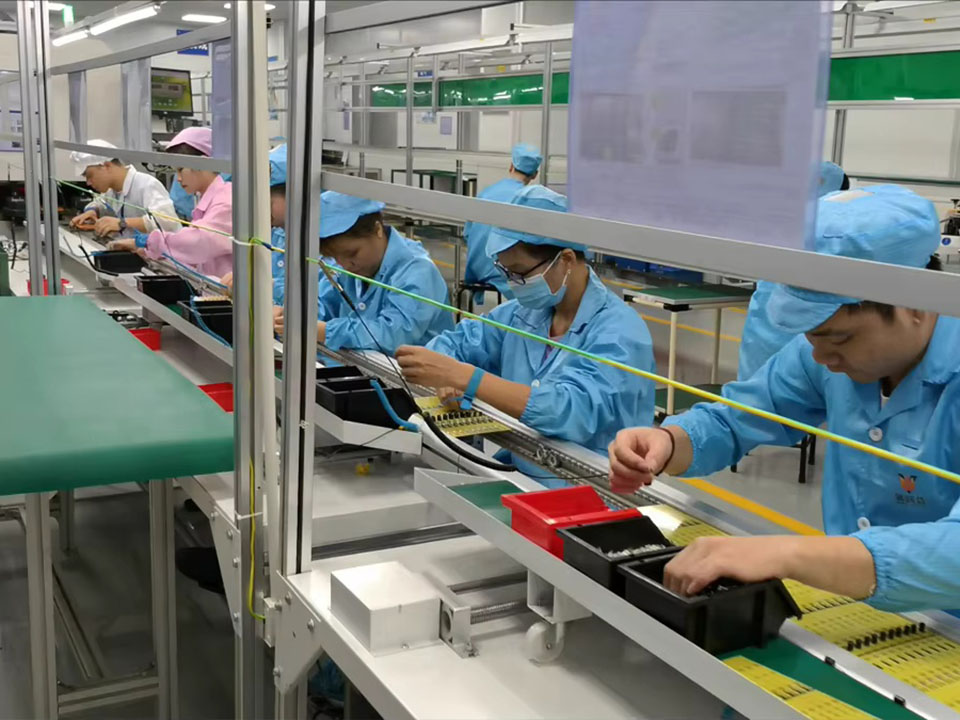
For hardware startups and OEMs, getting high-quality PCBs quickly and reliably is critical. MC PCB is a one-stop contract PCB manufacturer supporting prototypes to volume builds—backed by experienced engineering support and rigorous QA.
MC PCB Co., Ltd.
Began in 2005
One-Stop PCB Factory: Prototype to Mass Production
For hardware startups and OEMs, getting high-quality PCBs quickly and reliably is critical. MC PCB is a one-stop contract PCB manufacturer supporting prototypes to volume builds—backed by experienced engineering support and rigorous QA.
MC PCB Co., Ltd.
Began in 2005
No. 2, Lane 11, Wenming Road, Fourth Industrial Zone, Nanzha, Humen Town, Dongguan City
Is it worth getting 3D printed mockups before PCB fabrication?
3D-printed PCB mockups won’t test circuits, but they reveal enclosure fit, connector alignment, clearance, flex bends, and airflow issues before fab early. Now!
If you’ve ever had a board come back perfect on the Gerbers but wrong in the real world, you already know the pain. The circuit works. The enclosure doesn’t. The USB cutout misses by a hair. A flex tail creases where it shouldn’t. Suddenly you’re staring at another spin.
A 3D-printed mockup won’t prove your schematic. It will stress-test the physical reality around your PCB before you commit to fabrication. For OEM teams, EMS partners, design houses, labs, and fast-moving startups, that can be the difference between a clean EVT build and a slow-motion rework mess.
Below is a practical way to decide, plus a set of field-tested scenarios and a table you can drop into a design review.
Mechanical clearance checks
When you pack parts tight, “it looks fine in CAD” isn’t enough. The real risk is mechanical collision: tall components, connector housings, shields, heatsinks, and nearby plastics all fighting for the same space.
Keepout zones and tall components
A printed board-shaped mockup lets you validate Z-height and no-go zones. Even a simple print with a few “height markers” can show you where the stack-up gets ugly. This matters a lot on connector-rich layouts, where housings and latches often extend farther than the footprint suggests.
Mounting holes, standoffs, and board edges
Hole-to-hole alignment is a silent killer. A mockup helps you confirm:
standoff locations and screw head clearance
edge-to-wall gap
whether the board can actually slide into rails without scraping
If your product uses fixed tooling or a legacy enclosure, a mockup can save a full loop of “drill, file, swear, repeat.”
Enclosure fit and connector alignment
This is the most common reason teams print mockups. Not because it’s fancy, but because it’s brutally effective.
Port alignment and cutouts
Connectors don’t forgive slop. USB, HDMI, SMA, RJ45, terminal blocks, and rocker switches all have hard geometry. A mockup lets you check:
port centerline vs. the case cutout
connector overhang and strain relief space
whether the cable can plug in without hitting the wall
If you’re doing quick-turn builds, you want to catch these before you lock the stack and send files out for fabrication.
Cable routing and service access
Technicians and end users need finger space. A mockup helps you see if:
a ribbon cable folds cleanly
a latch is reachable
a debug header isn’t trapped under a bracket
That’s not “nice to have.” It’s the difference between a product you can assemble in minutes and one that becomes a bench-time black hole.
Rigid-flex and flex cable bends
Rigid-flex and FPC assemblies look clean on slides. In reality, bend radius, fold order, and connector orientation decide whether the build survives.
Bend radius, fold sequence, and strain points
A printed mockup helps you simulate folding and routing before you buy the real flex. You can spot:
bends that crease too close to pads
fold lines that fight the enclosure
connector orientation that forces an awkward twist
If your design relies on a folded assembly to hit a tight form factor, you should treat mockups like basic hygiene, not a luxury.
Thermal airflow and heatsink planning
You can’t validate thermal performance with plastic. You can validate thermal packaging.
Airflow paths and heatsink clearance
A mockup helps you confirm:
fan duct clearance
heatsink envelope and screw access
whether airflow has a clear inlet and outlet
For power boards, metal-core LED boards, or dense control modules, packaging mistakes show up fast. Once you’ve built the enclosure, “just move the inductor” stops being an option.
Evidence-backed decision table
Use this table to decide quickly, and to explain the “why” to stakeholders who only see schedule pressure.
Decision factor
What a 3D-printed mockup helps you catch
Typical trigger keywords
Evidence type you can cite in reviews
Mechanical clearance
Collision between tall parts, shields, plastics, neighboring boards
Sometimes the smartest move is to skip it. You can usually pass when:
You’re building an open board with generous margins and no enclosure.
The PCB is simple, and you’re okay with one respin.
The design’s real risk is electrical, not mechanical.
Your 3D models for connectors and housings are incomplete or unreliable.
In other words, don’t print a mockup just to feel busy. Print it when it reduces integration risk.
A fast workflow that fits B2B prototyping and production
This workflow works well for OEM/ODM programs and for teams that need smooth handoff from prototype to mass production.
Step 1: Export a mechanical board model
Export a STEP of the PCB outline and key connectors. If you can’t export everything, at least include:
board outline and mounting holes
connector bodies and keepouts
tallest components (envelope only is fine)
Step 2: Print for fit, not for beauty
You’re not making a display piece. You’re building a test jig for geometry. Keep it simple and fast.
Step 3: Run a “touch test” checklist
Do a quick physical walk-through:
Does the board seat without force?
Do ports line up with cutouts?
Can cables plug in and bend naturally?
Can you access screws, latches, and test points?
Step 4: Feed changes back into DFM early
When you lock mechanicals, send fabrication notes and assembly constraints together. That’s how you avoid a late-stage mismatch between board intent and manufacturing reality.
If you’re buying from a China-based B2B manufacturer that supports quick-turn prototypes, volume builds, and assembly under one roof, this step becomes even smoother. You shorten the loop between “design change” and “buildable result,” and you keep quality control consistent across prototype and production.
Where to go next on your site
If you want to line this up with your supplier flow—prototype, DFM, fabrication, and assembly—these internal pages map cleanly to the steps above. Links pulled from your internal URL list.
Start from the homepage to frame your sourcing path.
If you’re about to send Gerbers, review PCB fabrication and align on constraints early.
If you need a full build, check PCB assembly so mechanical access and connector choices won’t wreck the line process.
For stack-ups, HDI, impedance, or special builds, use advanced PCB and avoid “DFM surprise” later.
For capability matching—materials, layers, finishes, special processes—go to capabilities.
If your customer cares about audits and consistency, point them to quality.
If you’re collecting requirements from OEM/EMS partners, the products catalog helps you anchor specs in real examples.
When you’re ready to kick off, use the contact page to share enclosure constraints, STEP files, and assembly notes in one shot.
Bottom line
Yes, 3D-printed mockups are worth it when mechanical integration is on the critical path. They won’t validate your circuit, but they will stop the classic hardware failures that burn schedule: misaligned ports, bad clearances, ugly cable bends, blocked airflow, and impossible assembly access.
If your PCB has a case, a stack, a flex element, or a tight connector wall, print the mockup. You’ll catch the problems while they’re still cheap to fix.
MC PCB.,Ltd, alongside Dongguan MaoChang Printed Circuit Board Limited,has focused on PCB manufacturing over 20 years. MaoChang Printed Circuit Board Limited, a professional PCB factory for Quick Turn PCB, Prototype PCB and High Mix Low Volume fabrication. With UL certification for Rigid FR-4 / High Frequency / Aluminum Based PCB production.
Company
About
Contact
Capabilities
Services
Application
Products
Quality
Blog
Products
Printed Circuit Boards
PCB Prototype
Flexible PCB
High Frequency PCB
Thick-Copper PCB
PCB Assembly
Metal core PCB
Thick-Copper PCB
Contact
0755-2889 4567
Room 1803, lA Building, Longwan, Nanhuai Road, Shajing, Bao'an District,Shenzhen City
No. 2, Lane 11, Wenming Road, Fourth Industrial Zone, Nanzha, Humen Town, Dongguan City